Stock Selection: Why News Matters
In my first post about Kuhl Haus MDP, I emphasized that momentum trading strategies rely on real-time information, and I outlined Ross Cameron’s “Five Pillars of Stock Selection” as the criteria for what I set out to build. As a refresher, here they are:
- Price between $2-$20 (sweet spot for me is $3-$7)
- Low float (10M shares cold market; 20M hot market)
- Up at least 10% on the day
- 5x relative volume
- Fresh news catalyst
At the time, I had everything except a news feed. Now, that’s changed.
The fifth pillar — fresh news catalyst — is done. Wave 2 is officially in full swing. Let’s talk about what that means.
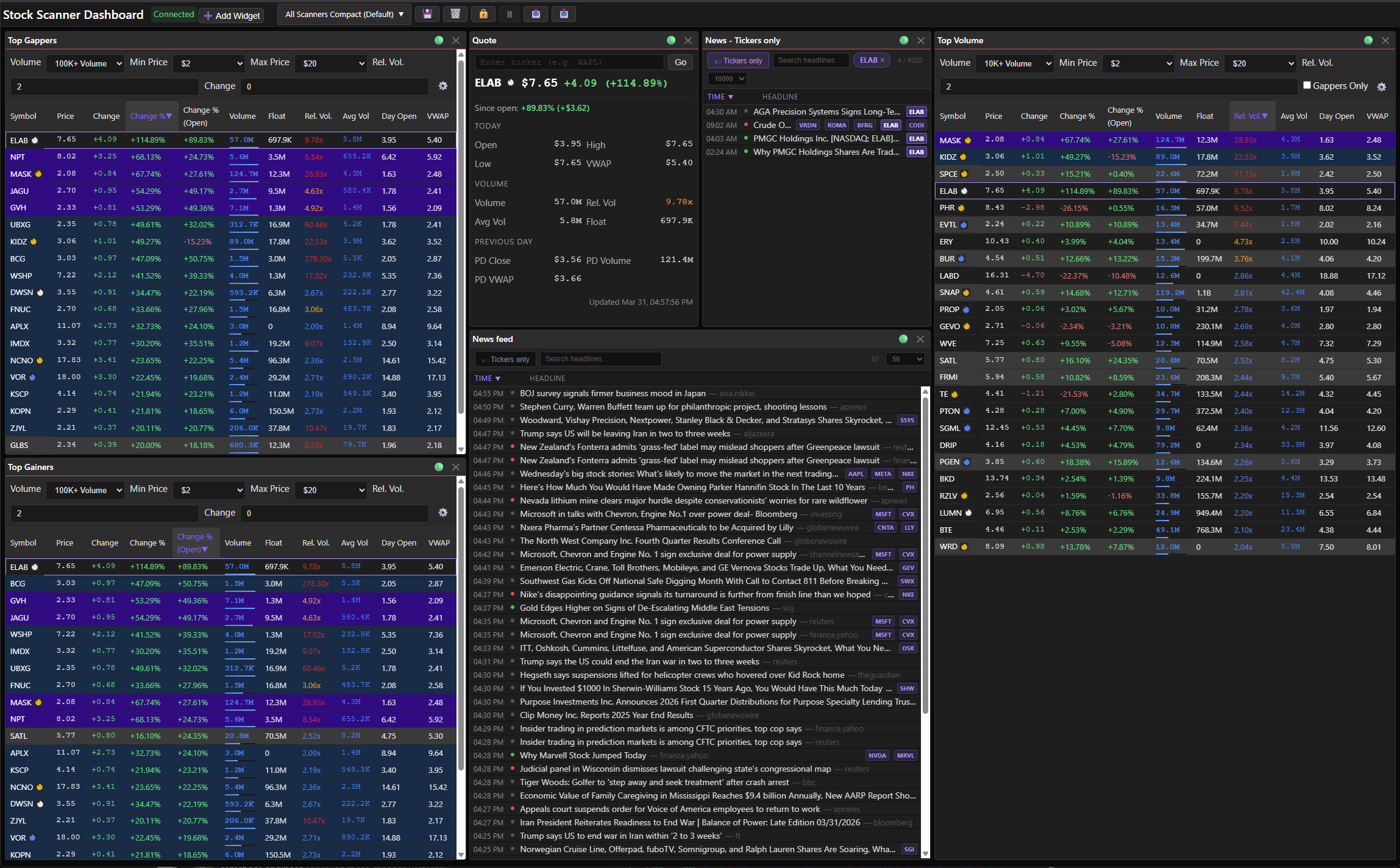 Screenshot: Six widgets, zero clutter — this is what my layout looks like once I’ve set it up for a real trading day.
Why News Matters
A stock moving greater than 10% without an obvious technical breakout isn’t a mystery — it’s a gap in your information. News helps fill that gap. Maybe it’s an earnings beat. Maybe it’s an analyst upgrade. Maybe there’s no news at all, which tells you something too: that move is rumor, speculation, or someone with a bigger account than you acting on information you don’t have yet.
You can’t trade context you don’t have. That’s why news was always going to be the linchpin.
Picking a News Provider
I didn’t want just any news feed. I needed:
- Real-time delivery via WebSocket — not polling a REST API every N seconds hoping I catch something before the move is over
- REST API for lookups — when I want to pull historical headlines for a specific ticker or sector
- Ticker correlation — headlines attached to symbols, not just a firehose of text
- A Python client — because MDP’s backend is Python and I’m not writing my own SDK
Finlight checks all of it. WebSocket for streaming, REST for queries, ticker matching baked in, and a robust Python client. Bonus: they tag headlines with sentiment scores. Not something I’ll trade on, but useful for a quick gut-check before clicking through.
They source from 30+ providers: Bloomberg, Benzinga, Reuters, AP, Financial Times, Seeking Alpha, and a bunch more. Categories span markets, economy, crypto, geopolitics, energy, climate — basically anything that can move a stock.
The News Feed Widget
The feed is real-time, text-only, sourced from Finlight’s WebSocket. Every headline shows the source publication with a clickable link. Headlines include a sentiment rating. Not a replacement for reading, but useful for quick scanning.
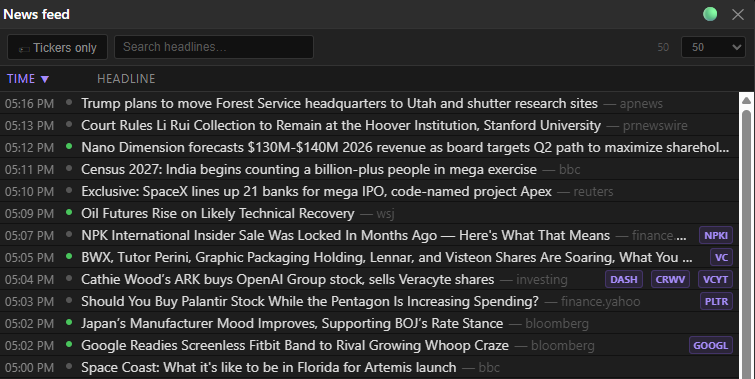 Screenshot: Headlines, tickers, timestamps, and sentiment — everything you need to know at a glance before you even click anything
Click a row and you get a popup with an image (if there is one), the article link, and a synopsis. Text is selectable and copyable — no fighting the UI to grab a headline.
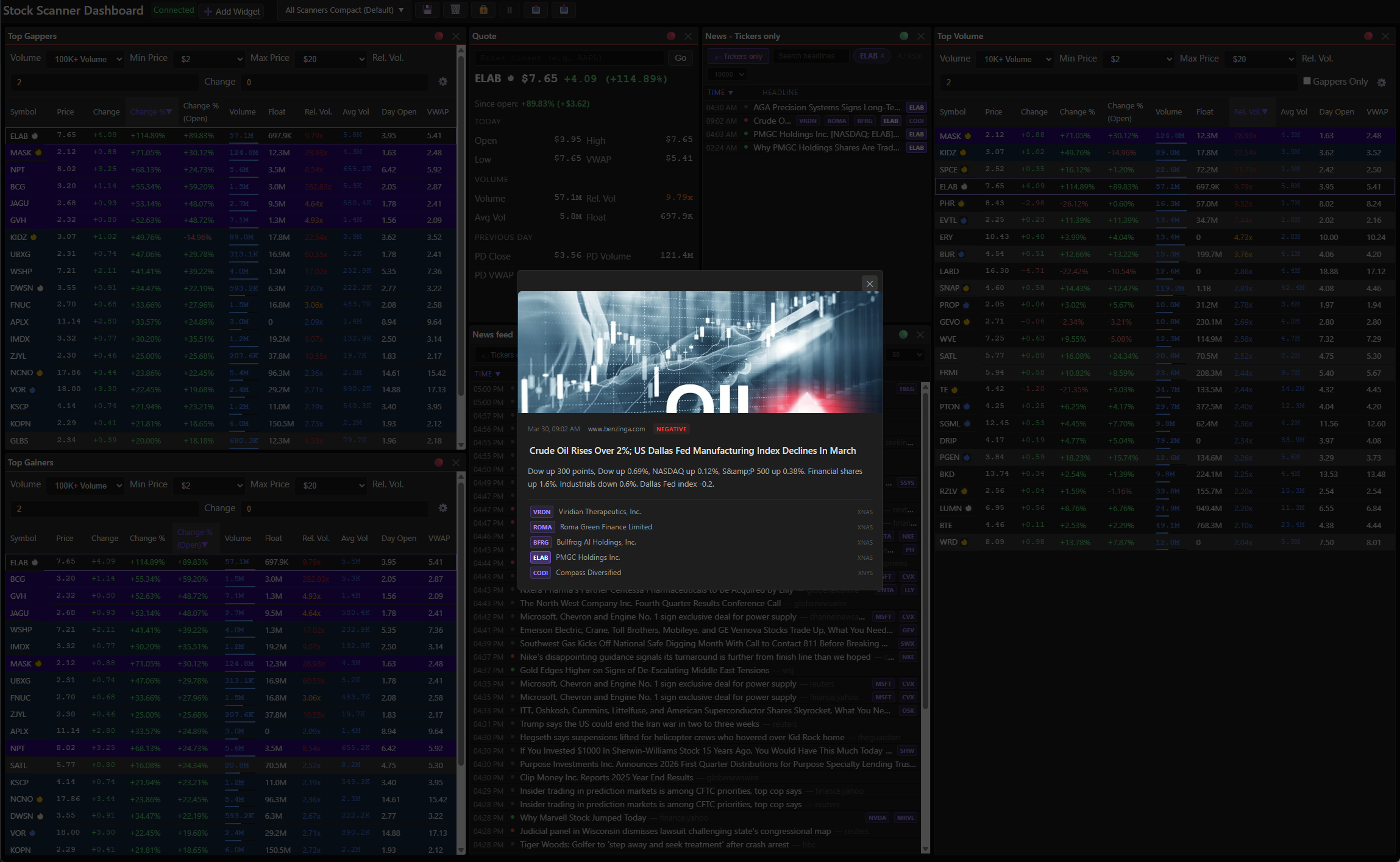 Screenshot: The popup keeps you in the dashboard — read the headline, decide if it matters, move on.
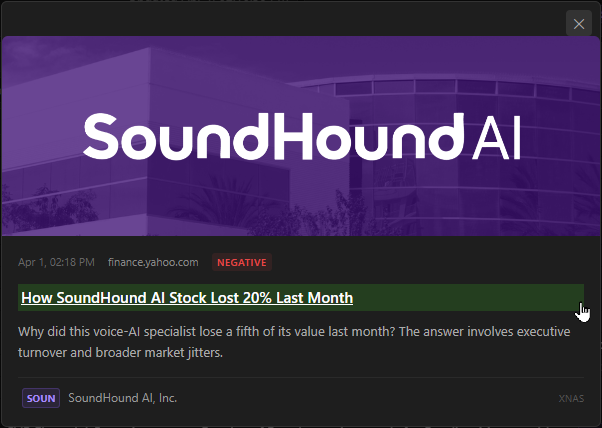 Screenshot: The popup gives you source, headline, and a blurb — enough to decide if it’s worth a click.
What you can do:
- Search by headline text
- Filter to a specific ticker
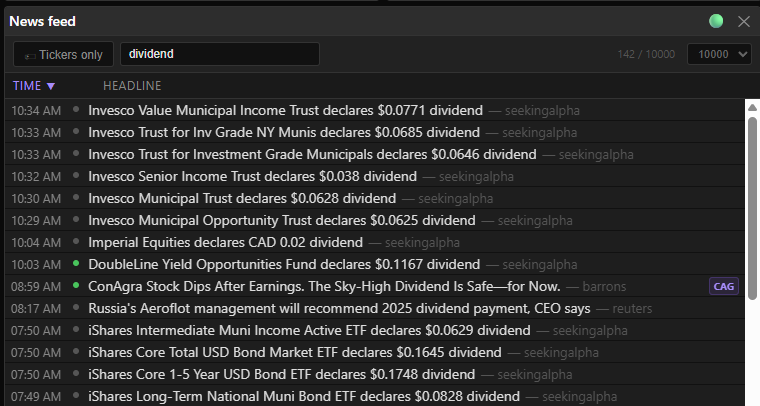 Screenshot: Type ‘dividend’ and you get 142 hits instantly — the filter is live, not a form submit.
What you can customize:
- Filter to only articles with ticker matches (cuts the noise fast)
- Article cache limit: 50 to 10K — 10K spans multiple days, useful for building context on a position
- Widget title
- All of it persists to named layouts
The Flame System
This is my favorite part of the implementation.
Outside the news feed widget itself, every ticker in MDP’s scanner widgets gets a flame icon showing how fresh its most recent news is:
| Flame | Age | Active Catalyst? | Relevance? |
|---|---|---|---|
 Red Red |
< 1 hour | ✅ | Freshest catalyst — highest potential |
 Orange Orange |
1–3 hours | ✅ | Very fresh — still early in the move |
 Yellow Yellow |
3–12 hours | ✅ | Same-session catalyst — confirm price still reacting |
 White White |
12–24 hours | ✅ | Multi-session/gap catalyst — check if still driving momentum |
 Blue Blue |
1–3 days | ❌ | Day-old+ news — momentum may be fading |
 Dark Dark |
> 3 days | ❌ | Stale — not a MOMO catalyst |
| (no icon) | No news | — |
No icon doesn’t mean stale. It means no news exists — which is its own signal.
The first four tiers (red through white) are active catalysts. Blue and dark are background context. That distinction matters when you’re scanning 50 tickers and trying to find the ones worth watching right now.
What Else Shipped
The news feed wasn’t the only thing that landed in this release. A few other things worth mentioning:
Widget linking
Widgets can be linked on a shared color bus. Change the symbol in one linked widget and it propagates to the others. Makes navigating between scanners, news, and quotes frictionless.
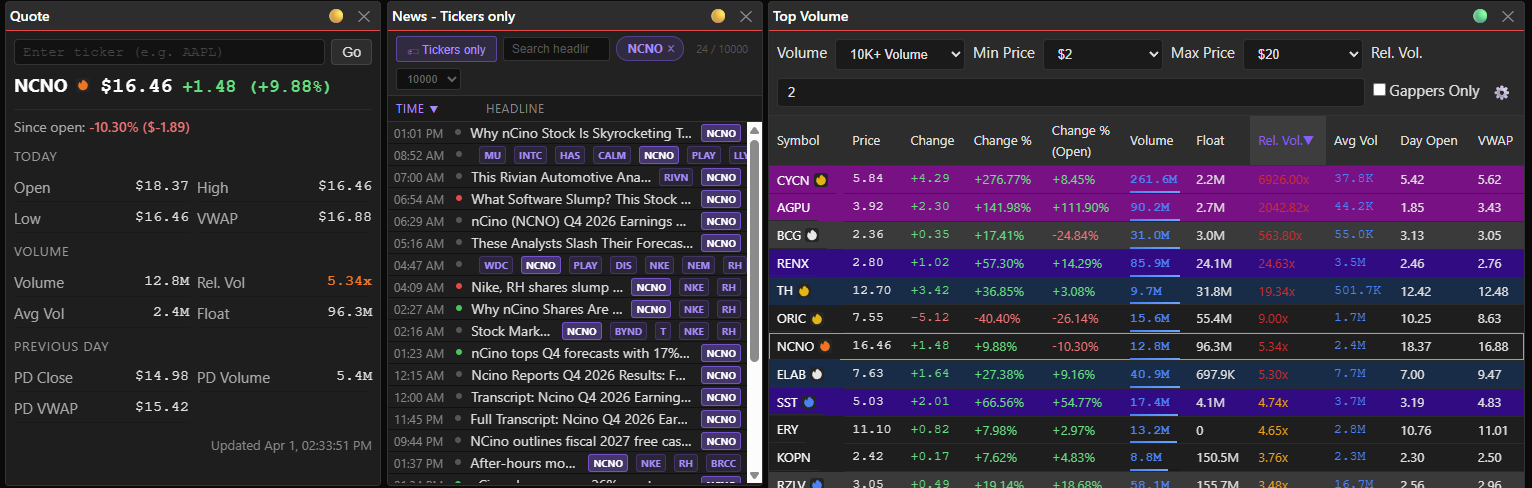 Screenshot: Red bus = these three widgets talk to each other. When one ticker changes, they all update.
Quote widget
Enter a symbol or link it to another widget, and you get real-time quote data. Simple, fast, does what it says. What I love about this: MDP already maintains real-time quote data for every stock in the market. The quote widget is the first way to actually surface it for tickers that aren’t on any scanner. That data was always there — now I can use it.
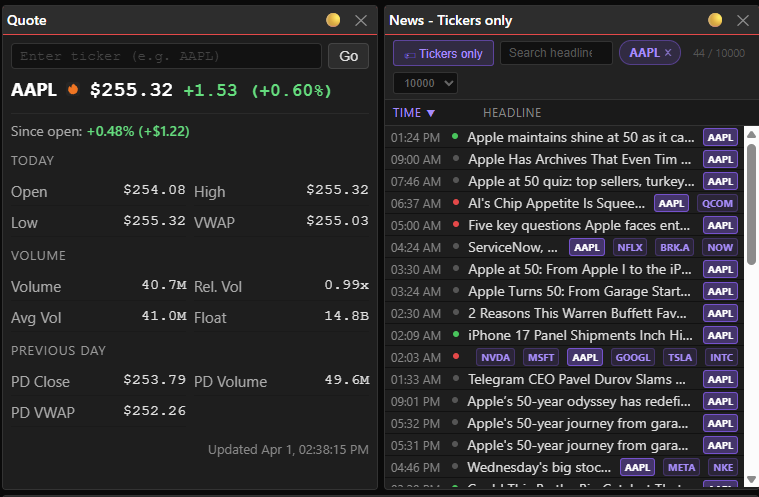 Screenshot: AAPL’s on the color bus — the quote loaded, the news followed, and that means something happened recently worth knowing about.
Layout lock + toggle autosave
Lock the layout so you don’t accidentally drag things around during a session. Toggle autosave so changes persist (or don’t) on your terms.
Screenshot: Lock it when you’re done arranging — now your widgets stay put even if you accidentally click and drag.
Click the lock icon to unlock the layout and enable edit mode
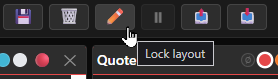
Screenshot: Pencil = edit mode. This is where you drag things around and resize until it stops annoying you
Click the pencil icon to lock the layout.
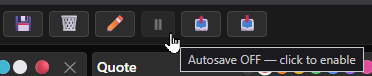
Screenshot: Pause disables the autosave functionality — handy when you want to make a variant of an existing layout
Click the pause icon to enable autosave
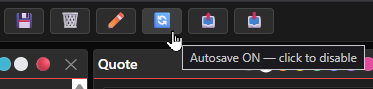
Screenshot: With autosave enabled, any changes you make to your layout or filters will automatically be saved.
Click the autosave icon to disable autosave.
Full scanner widget customization
All controls on the scanners can now be set to custom values and saved in your layout. Each widget has a name. Widgets with the same name share saved settings — so if you want a widget to keep its own config, give it a unique name. Double-click the title (long-press on mobile) to rename. You can also resize and hide columns.
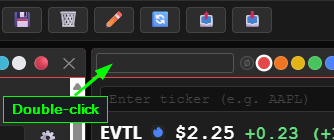
Screenshot: Double-click the title bar and it goes blank — type whatever makes sense for your setup.
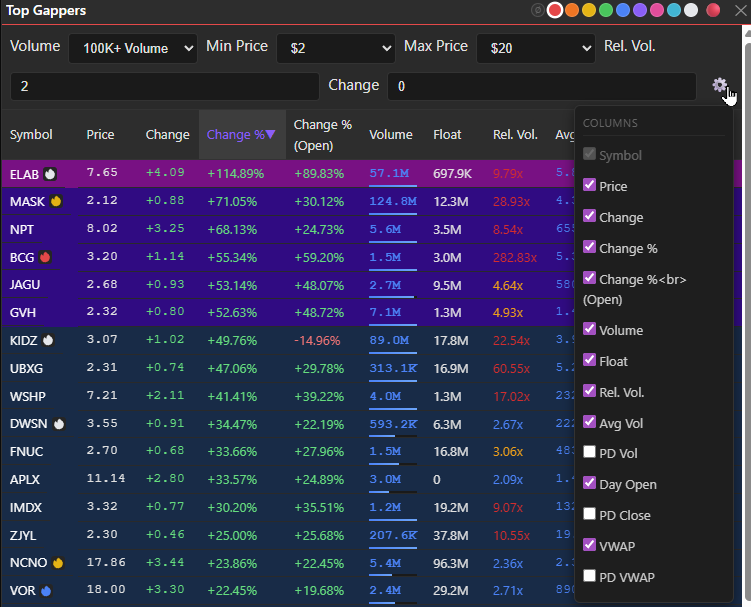 Screenshot: Gear → column visibility. Show what’s relevant, hide the noise — each scanner can have its own config.
Data freshness icon
All widgets show a status icon that covers both data freshness and connection state.
Every widget header shows this at a glance:
| Icon | Meaning | |
|---|---|---|
| 🟢 | Live — data received in the last 5 seconds | |
| 🟡 | Slowing — last update 5–60 seconds ago | |
| 🔴 | Stale — no data for over 60 seconds | |
| 🔵 / 🟣 | Reconnecting (pulsing) | |
| ❌ | Disconnected |
Free float cleanup
Free float data was previously pulling from an experimental API via raw aiohttp. It’s now going through Massive’s RESTClient instead. Still an experimental API on the data side, but the client layer is cleaner and it’s been solid in practice.
What’s Next
Pillar five is done. Now I get to use it.
The plan is to build scanners that correlate price action with news catalysts — real-time alerts when a ticker is making a move and has a fresh news event. The flame system already lays the groundwork. Next step is wiring it to alert logic and letting it tell me when something’s worth looking at.